This braille grid consists of 25 rows with 30 cells each. The proportions approximately correspond to the grid of a braille typewriter. Each of the individual 4500 dots can be clicked on. When you close the browser window, all dot entries will be reset.
To print out your result or save it as a PDF file, just use the print function of your browser. Only the area of the braille grid will be sent to the print output. Make sure that the "Print background" option is activated before printing. In addition, the scaling should be set to approx. 68% so that the entire grid fits on an A4 sheet of paper (or 66% for Letter).
Now have fun dotting, writing, drawing pictures or just playing around. Feel free to send us your results. Have you written your name in braille yet?
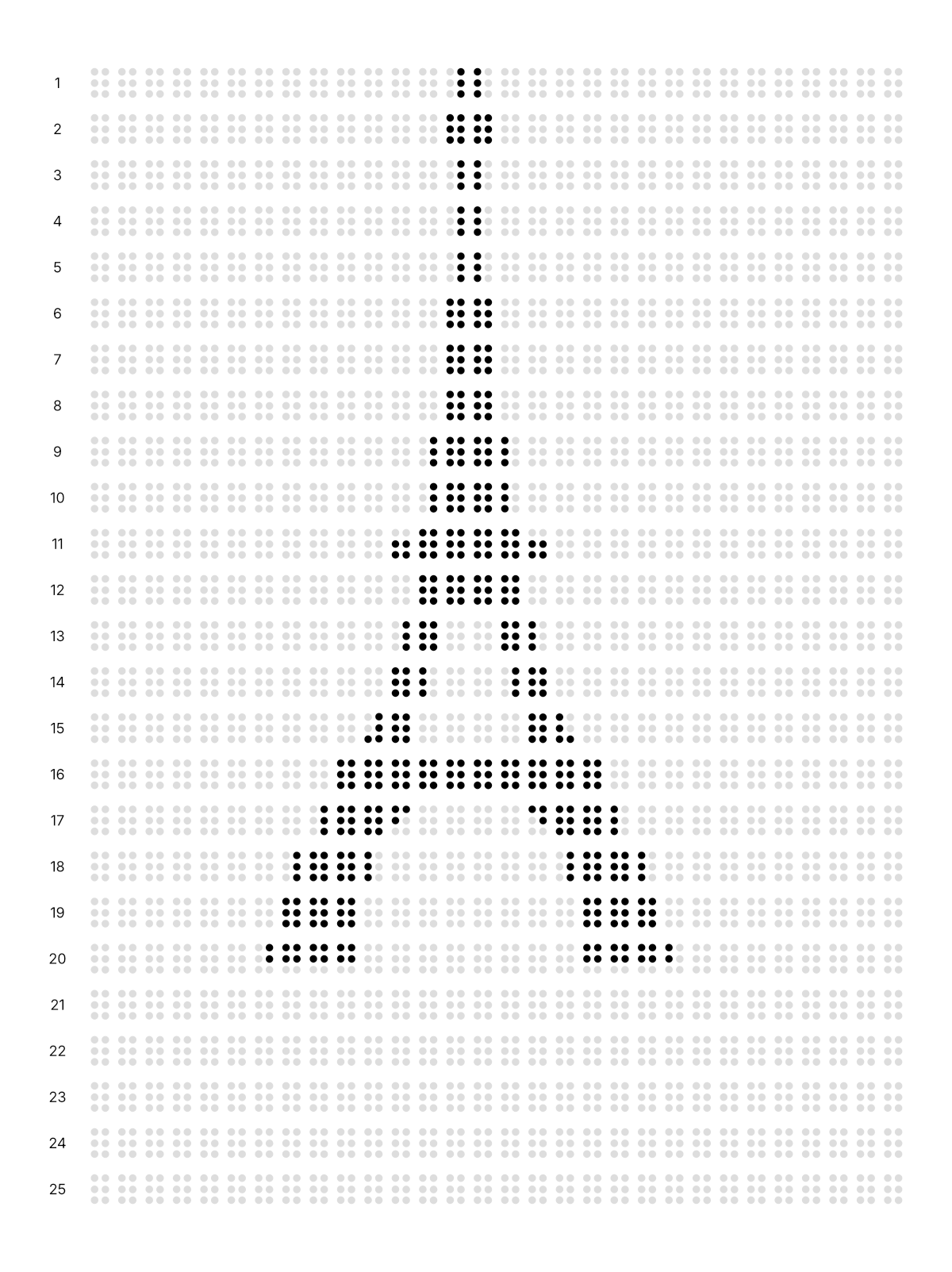
Braille grid with the Eiffel Tower